Add collection to UI
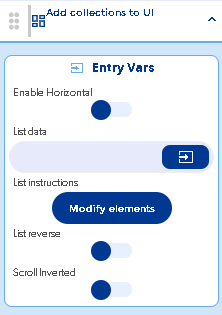
Enable Horizontal
Al activar el switch la función de lista se hará de forma horizontal
Danger
Cuando se activa este switch se debe tener especial cuidado con las dimensiones en ancho del elemento hijo y que no esté en porcentaje sino que se encuentre en pixeles
List data
En esta opción se debe de ingresar un objeto que contenga los registros que se van a reflejar en el objeto hijo (el componente que se va repetir en la lista) puede ser directamente de un eventOutput de una función anterior generalmente se utiliza la función Get Database Data pero tambien se puede obtener de una variable local que contenga un objeto iterable para mostrar la grafica
List settings
Abre una ventana en donde muestra de edición de los controles dentro del contenedor padre solamente debe de haber un contenedor o elemento que será el editable
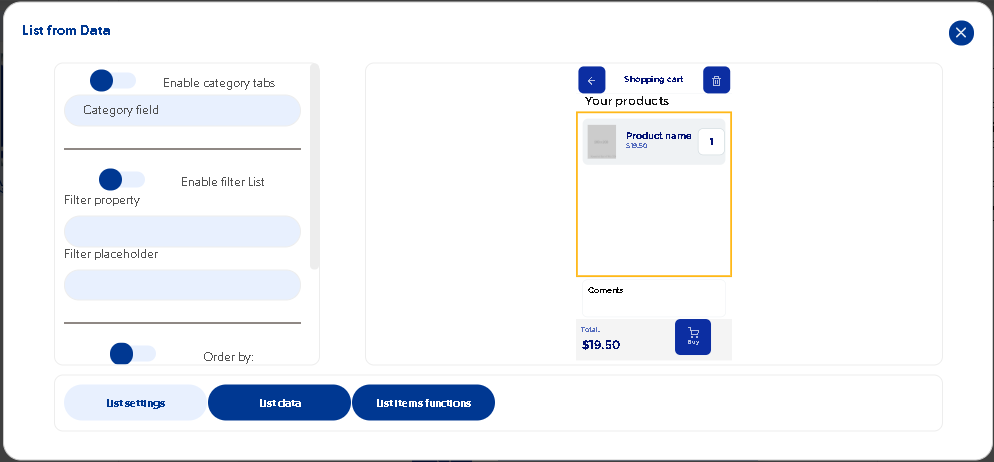
Enable category tabs
Permite abrir una serie de pestañas para dar una lista de objetos por categorización, se elige por que campo se va a realizar la categorización
Debe seguir un tipo especifico de estructura en la base de datos para poder realizar este tipo de lista
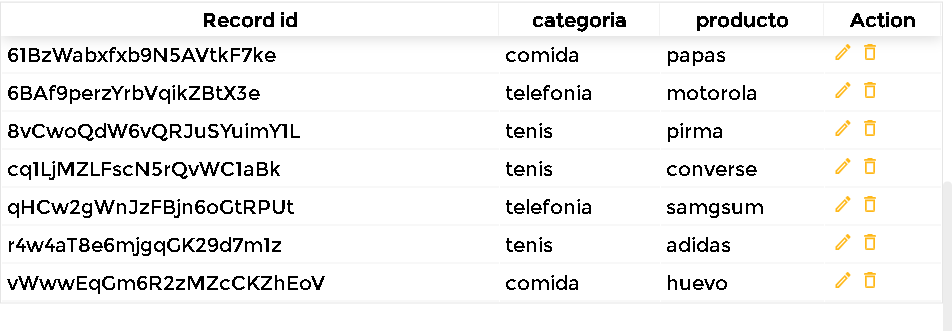
Se debe poner el tipo de categoría por cada producto producto, si se pone solamente la categoría y en una collection los productos, este tipo de lista no se podrá realizar
Enable filter List
Permite sobreponer un componente extra de filtrado en la lista, esto quiere decir que nos da una barra de búsqueda nativa para poder hacer una búsqueda dinámica en la lista renderizada.
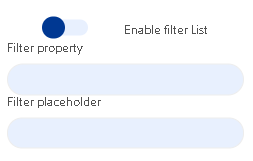
Filter property
En este apartado se debe colocar alguno de los campos por el que se va a buscar dentro de la lista, este campo se debe escribir exactamente como se encuentra en la base de datos para que se pueda hacer la búsqueda
Filter placeholder
Puedes poner la indicación de búsqueda en la barra, generalmente se indica que se busque por el mismo campo en que se hace el Filter property
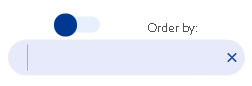
Order by
Es una elemento en el que se indica por que campo de la base de datos se puede ordenar la lista, esta la ordenará en orden alfabético o colocarse la palabra createAt y con esto los elementos se ordenarán desde el nuevo registro ordenado hasta el registro mas antiguo
Num. colums
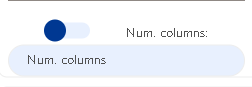
Al activar esta función permite crear una lista en especie de grid o mosaicos, solamente debemos de colocar el numero de columnas a mostrar en la lista.
Previewer de lista
Muestra una pre visualización del contenedor padre en donde se hará la iteración del objeto hijo
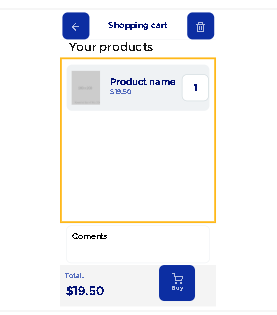
List Data
****
List item function
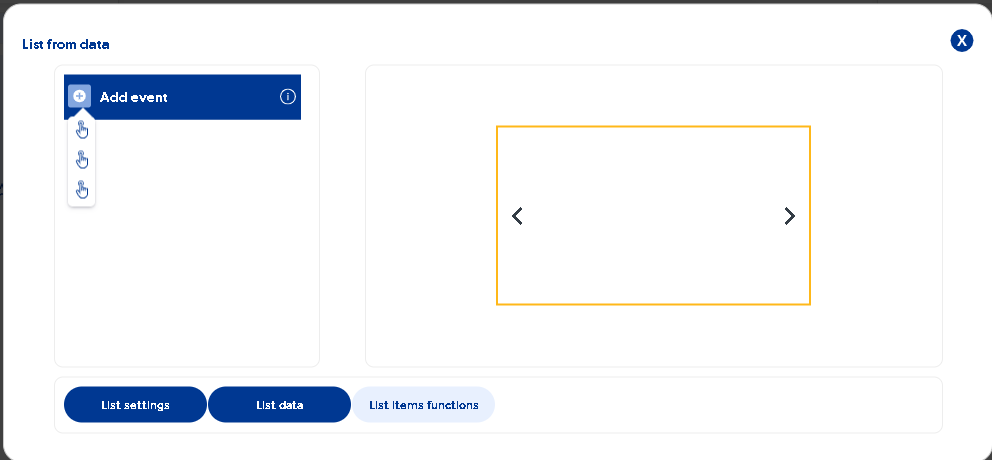
Permite hacer selección de los controles a modificar mostrando sus respectivos eventos
List reverse
Scroll Inverted