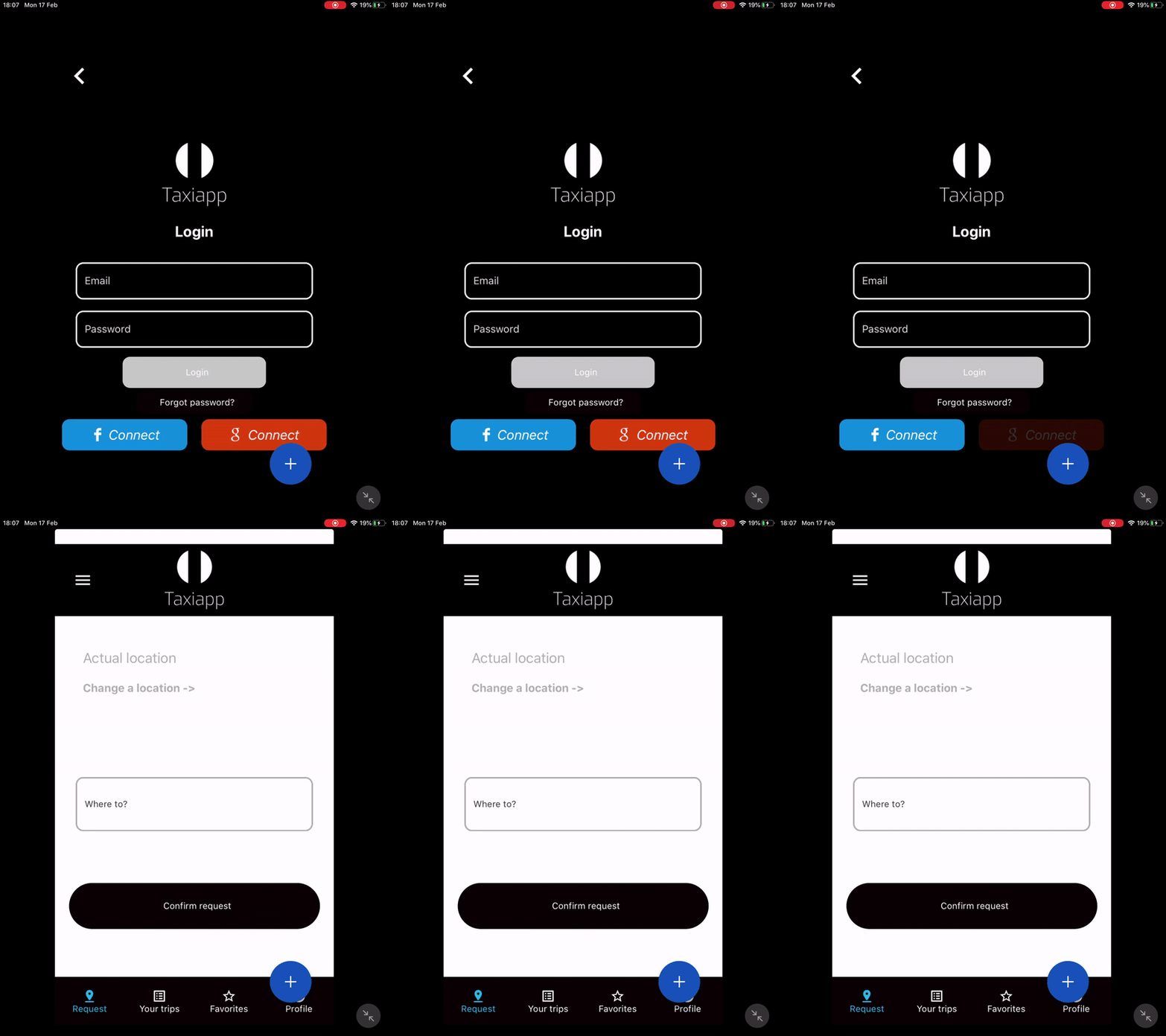
Login With Google
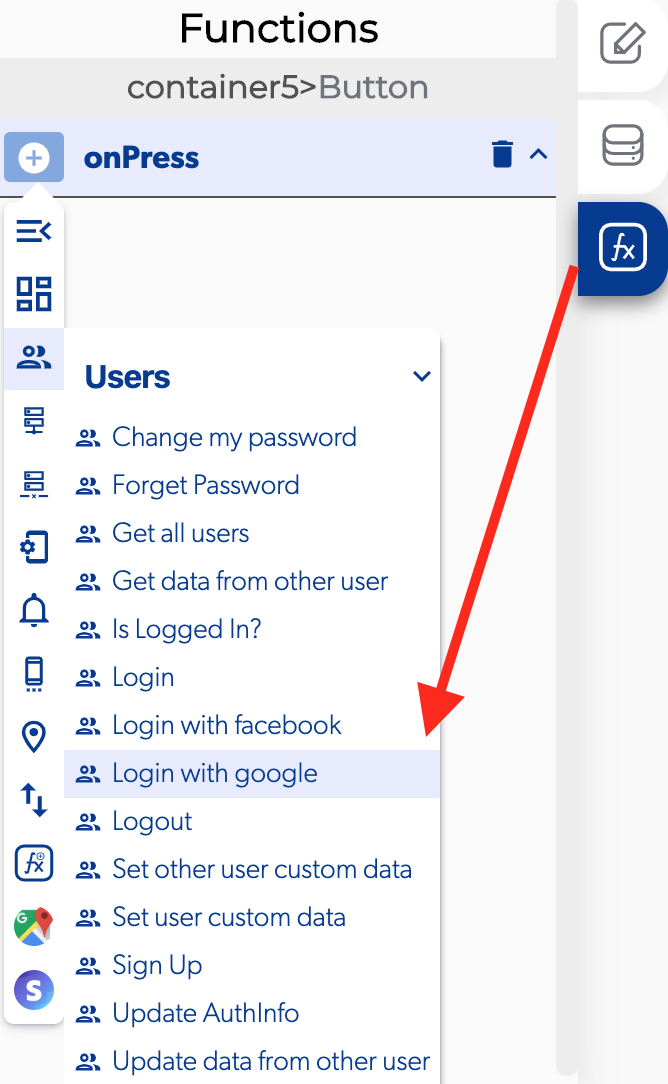
The login with Google is a function in the users functions which allows to the users login by identifying and authenticating themselves with a Google account.
📥 Entry vars 
- Should always select account: this function allow the user to select the Google account to login in the app.
↗ Callbacks 
- Error login with google: you can set functions after the user can't login to the app with Google.
- In progress: you can set functions during the user try to login in the app with Google.
- Play services not available: you can set functions during process to login with a Google account but the Play Services isn't available.
- Sign in cancelled: you can set functions after the user can't login to the app with Google account because he cancel the login.
- Successful login wit Google: you can set functions after the user login to the app with Google account.
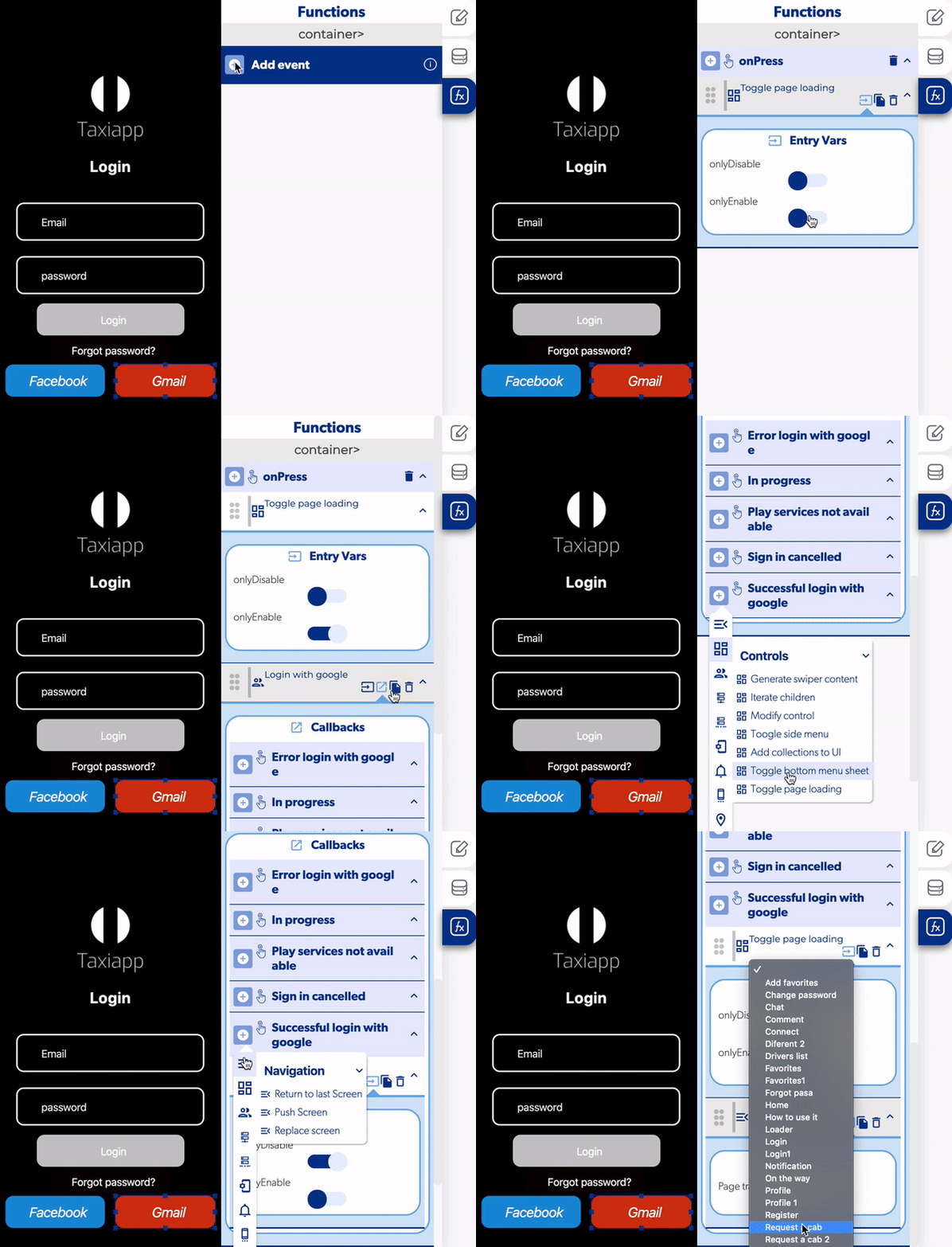
- Select a button to add a login with Google function and select on press.
- Activate a toggle page loading and select only enable.
- Add a login with Google function.
- Activate the should always select account for user.
- Open the callbacks and add a toggle page loading and activate on disable in the successful login with google
- Activate a replace screen function and select which screen will go after the login with Google.