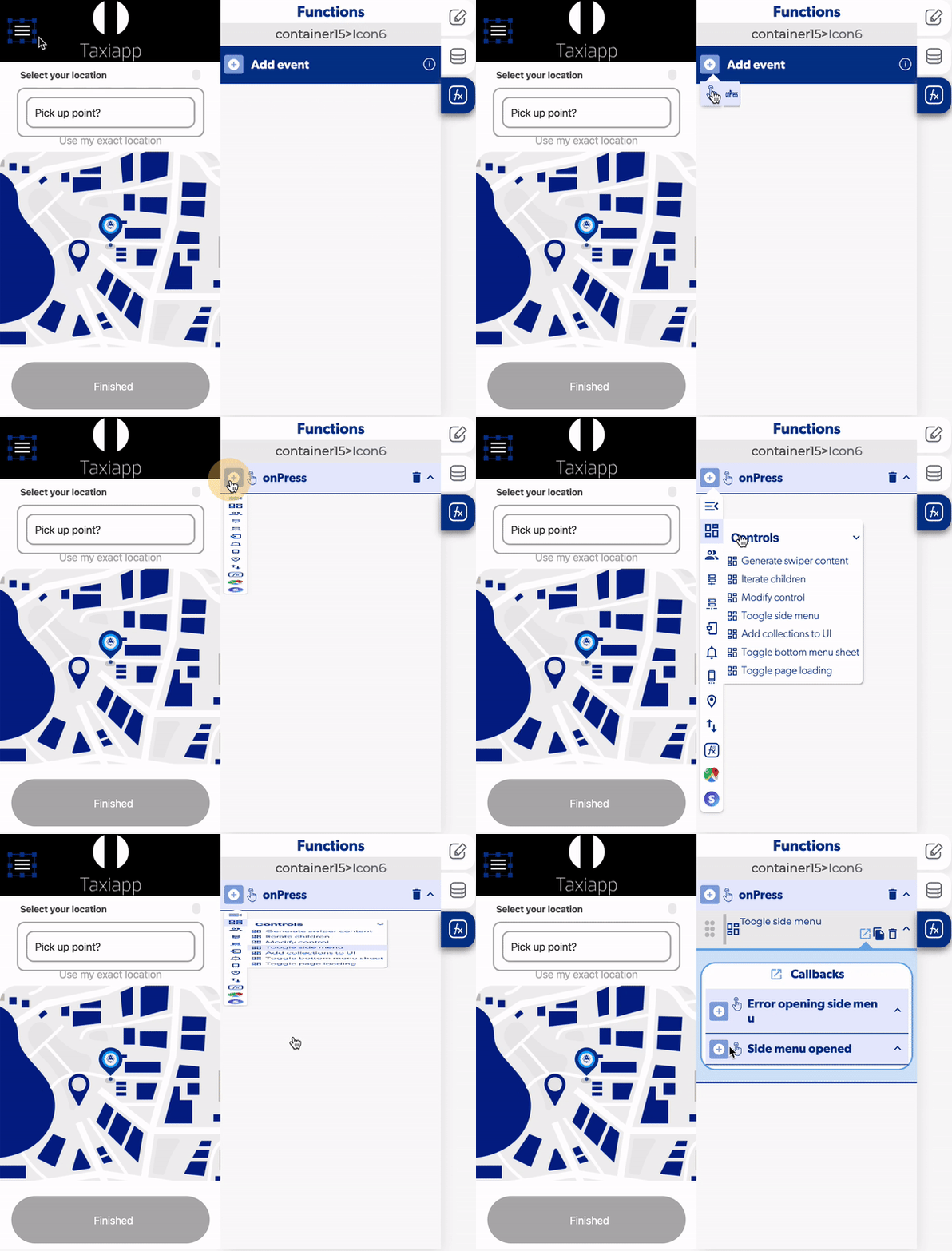
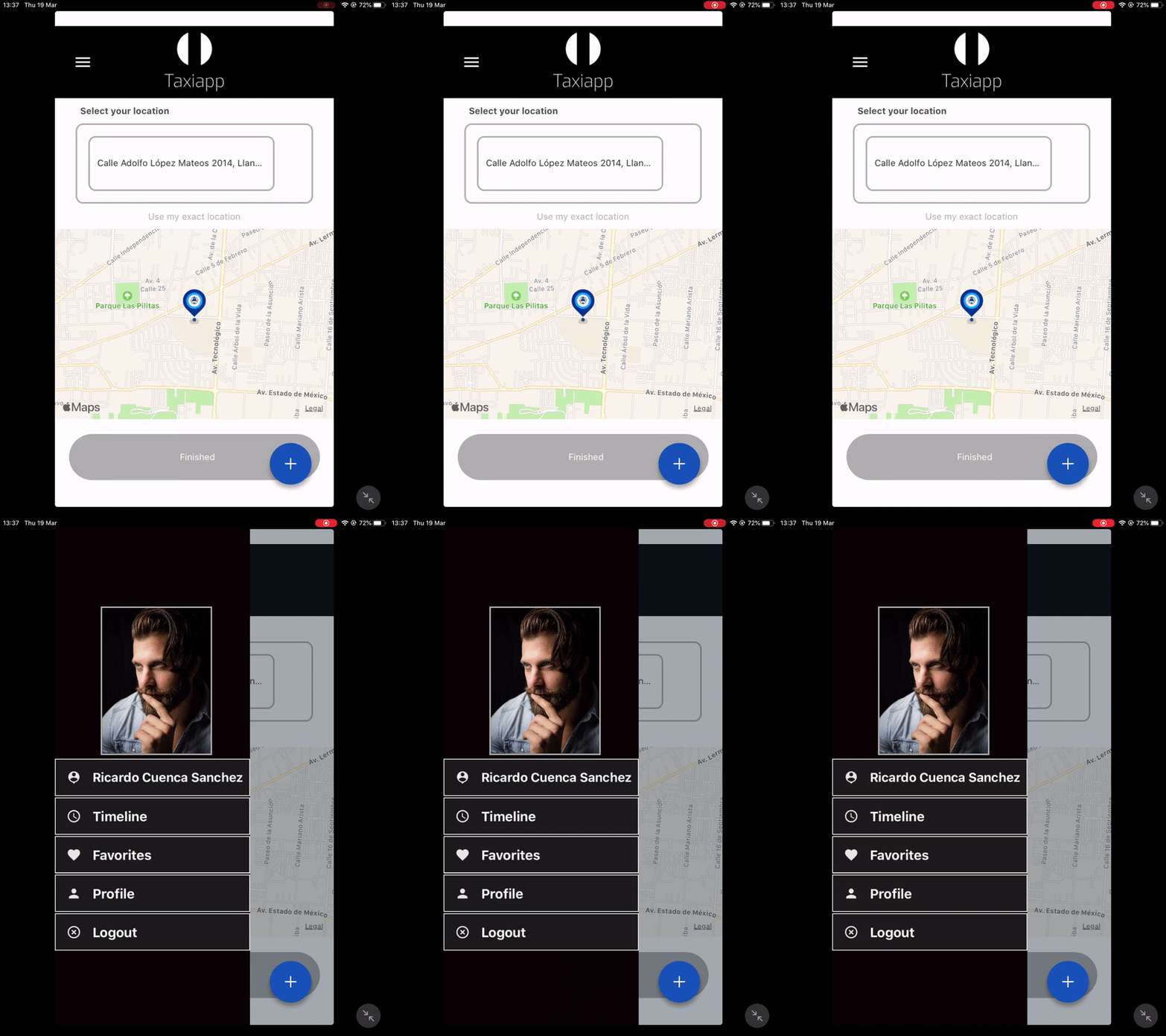
Toggle Side Menu
The toggle side menu is a function in the elements functions which allows to the user open a side menu to get an access to a quick launch menu.
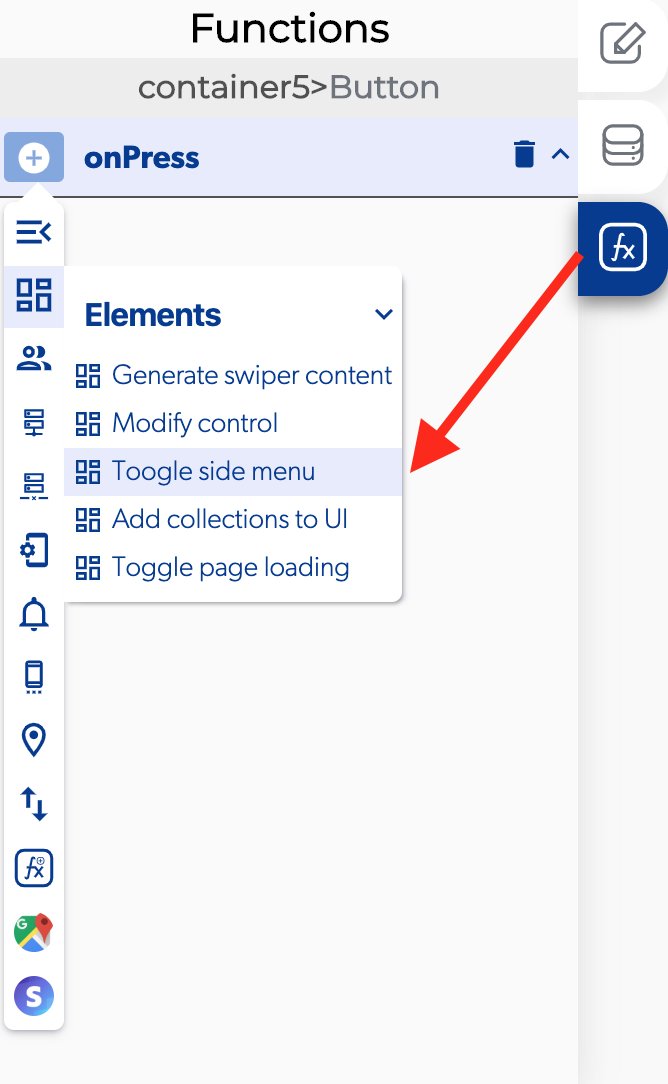
How to open the left navigation bar
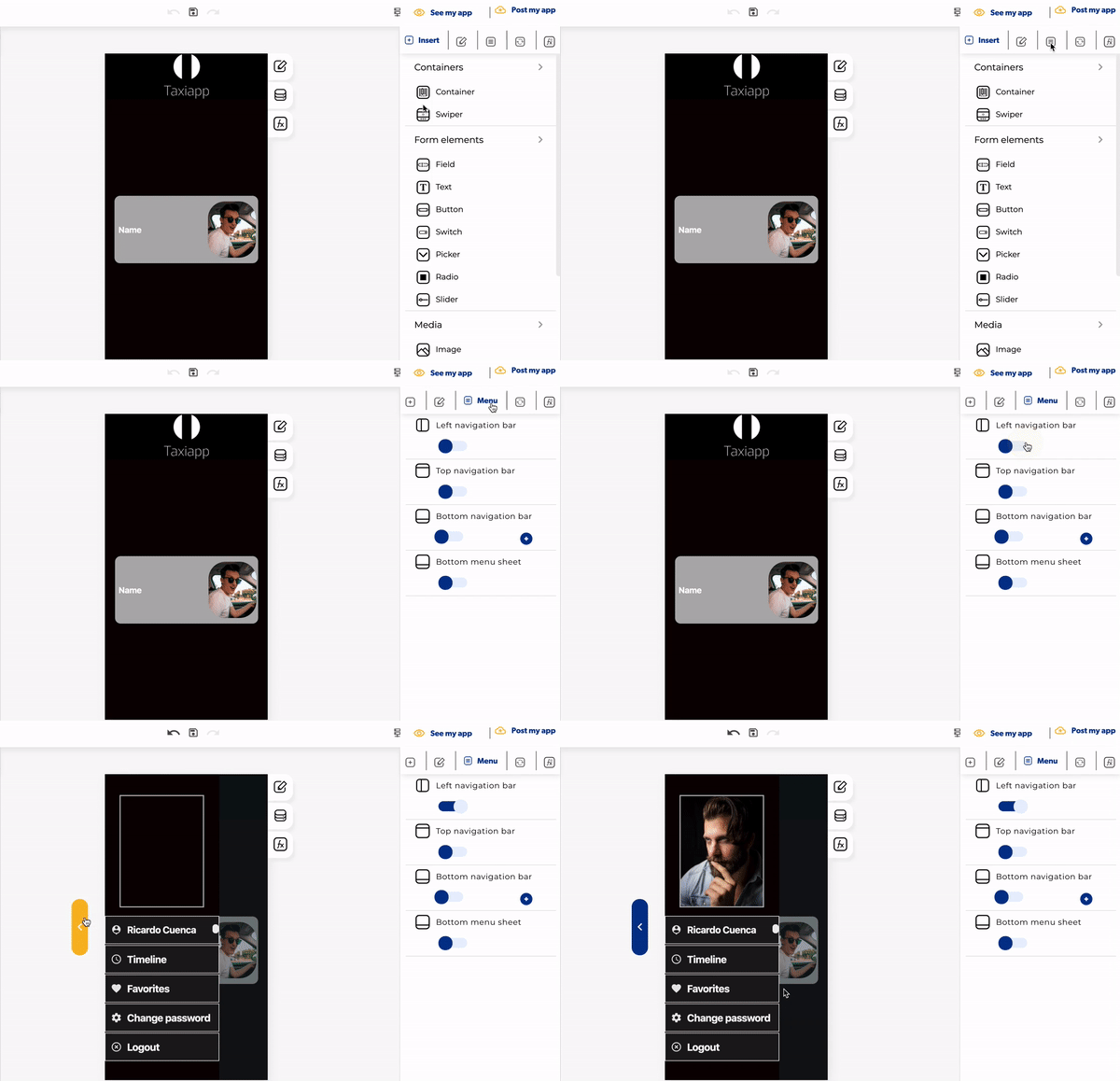
- Click on the menu button.
- Activate the left navigation bar.
- Click on the left navigation button to modify this element.
↗ Callbacks 
- Error opening side menu: you can set functions if the side menu isn't opened correctly.
- Side menu opened: you can set functions after the side menu is opened correctly.
👉 Example.