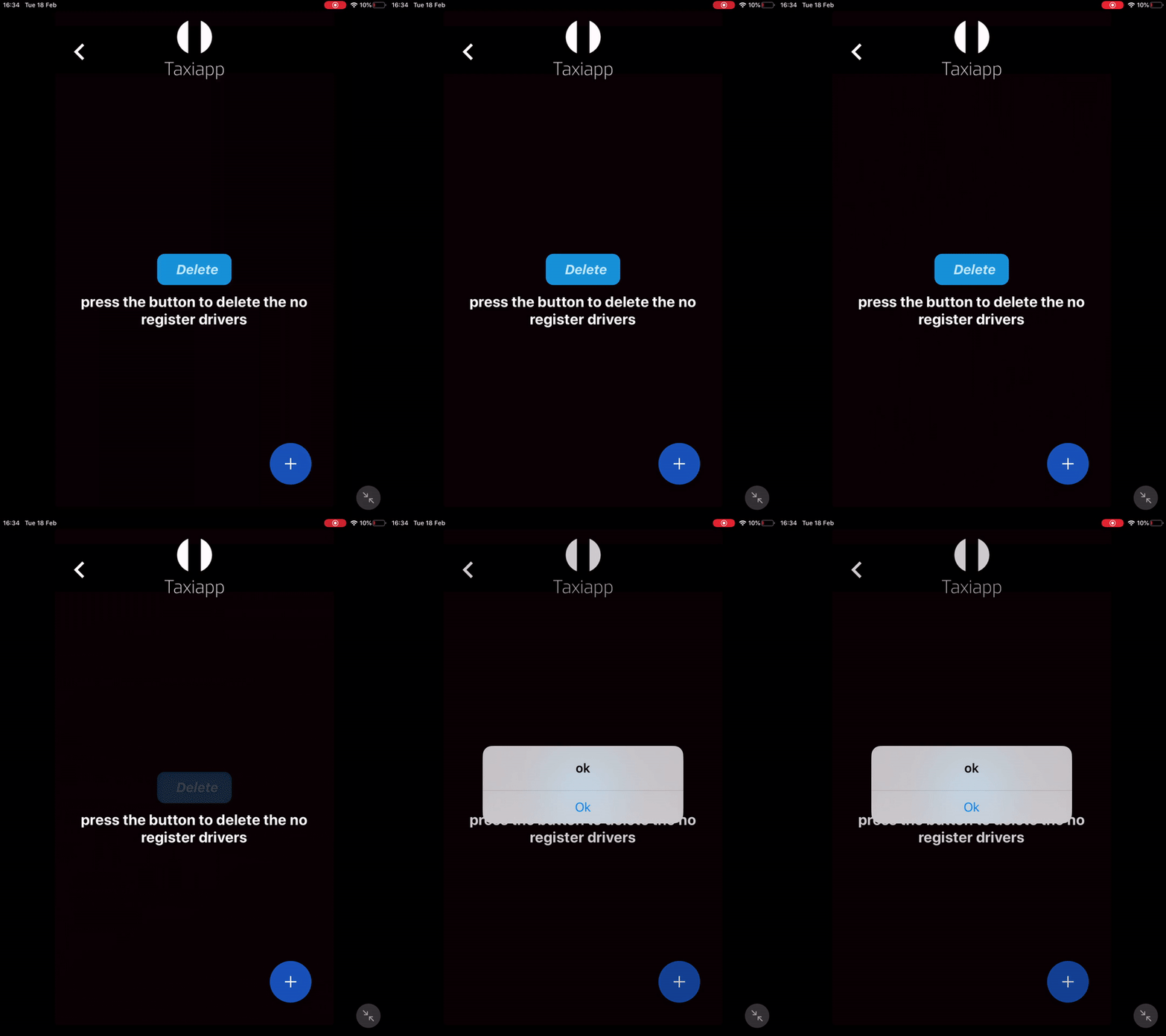
Delete Database Data
The delete database data is a function in the cloud database functions which allows to the user delete registers in the cloud database by pressing a element or loading a screen, this is the most useful function for admins apps because the admin can delete a user or all users and their information.
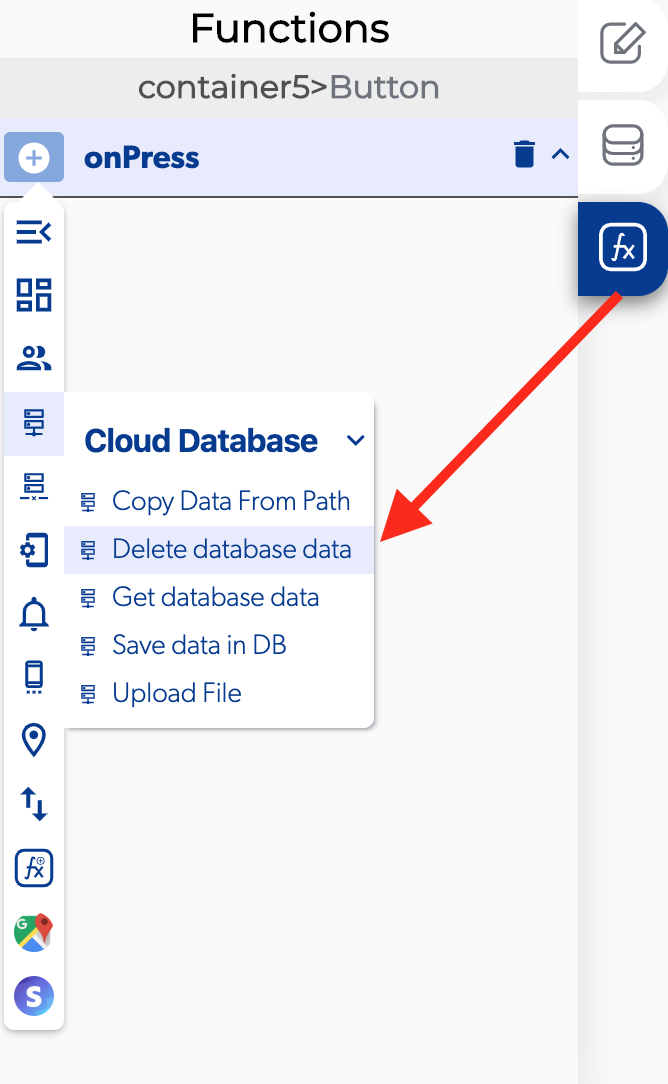
📥 Entry vars 
- Should update DB cache: you could activate this function to update de database cache data.
- Updates to make to the DB: you can open the database path to view and modify the database
- Database path: you can open the database path to view and modify the database
****↗ Callbacks
- Error deleting data: you can set functions after the database can't be deleted
- Data deleted: you can set functions after the database can be deleted.
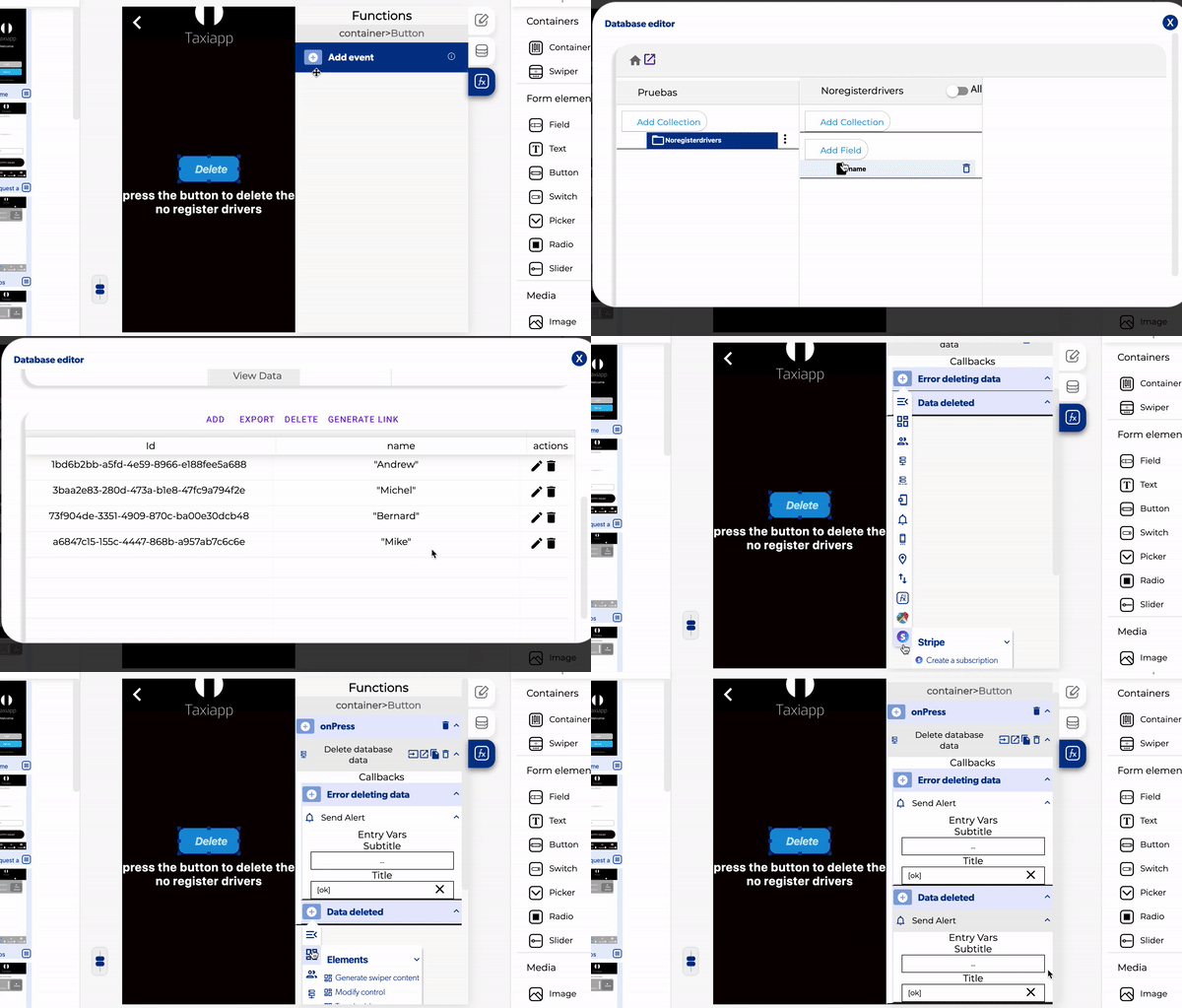
- Select the button.
- Add a on press.
- Activate the delete database data function
- Open the database path and select which collection will be deleted.
- Add a new register in cloud database data.
- Activate the function of should update DB cache.
- Add a send alert on the error deleting data.
- Activate a send alert in the data deleted section.