Change My Password
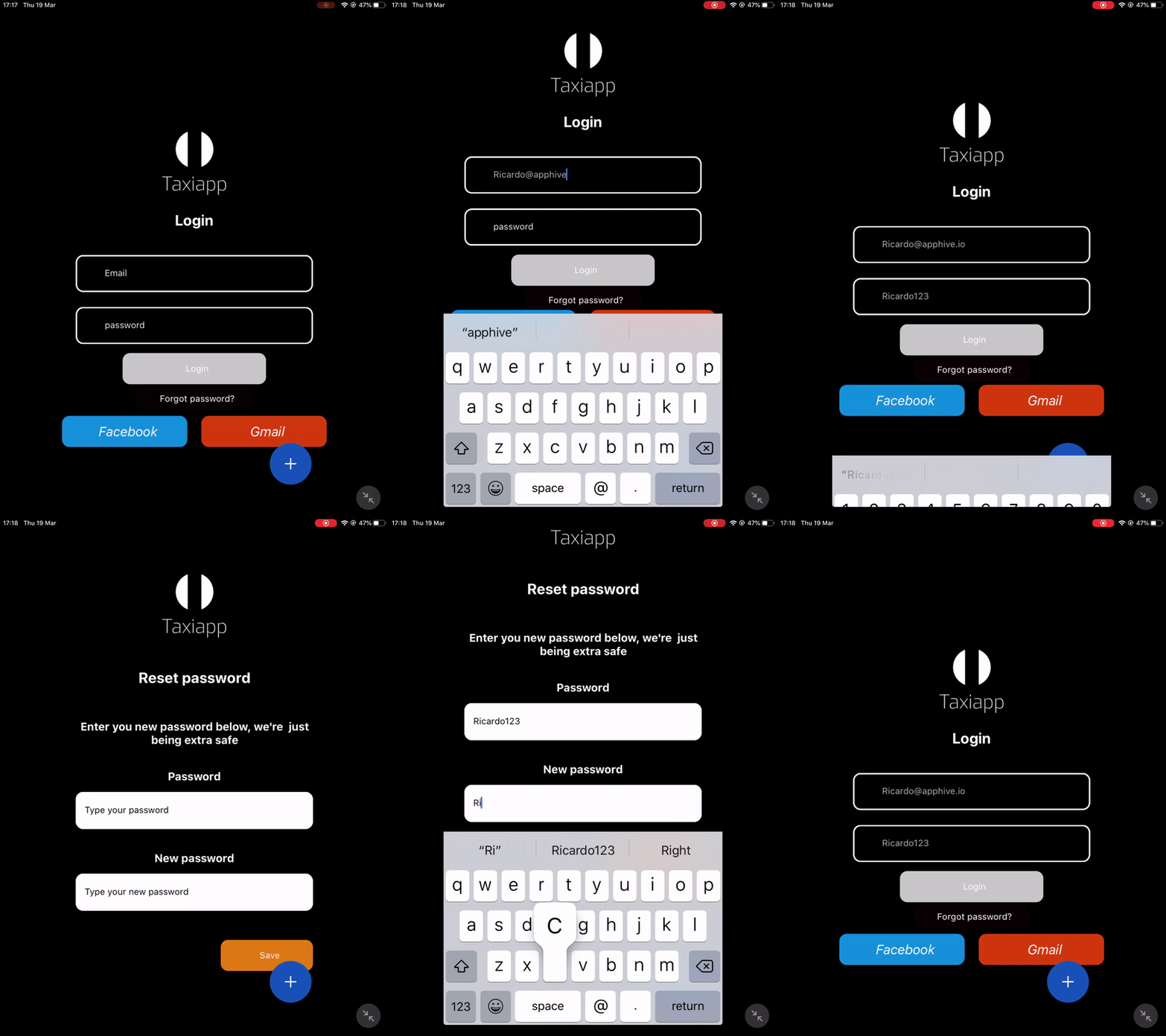
The change my password is a function in the users functions which allows to the users change their password, this function is important to the users to secure their account.
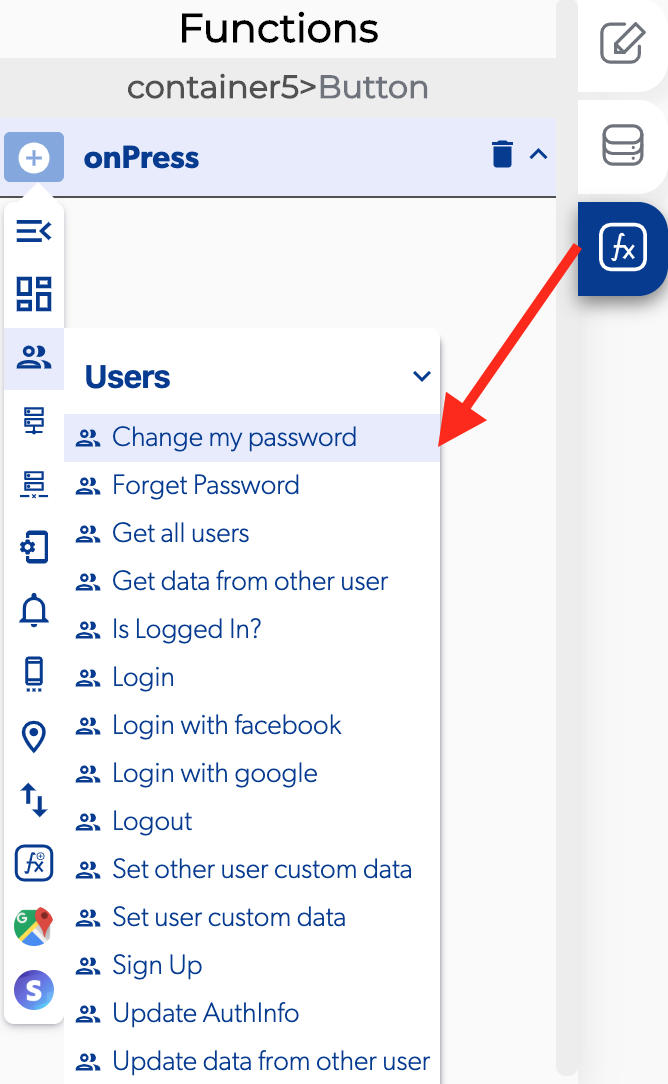
📥 Entry vars 
- New password: select a text field to provide a way for the user to change the password.
↗ Callbacks 
- Error changing password: you can set functions after the user can't change his password.
- Password changed successfully: you can set functions after the user can change his password.
👉 Example. 
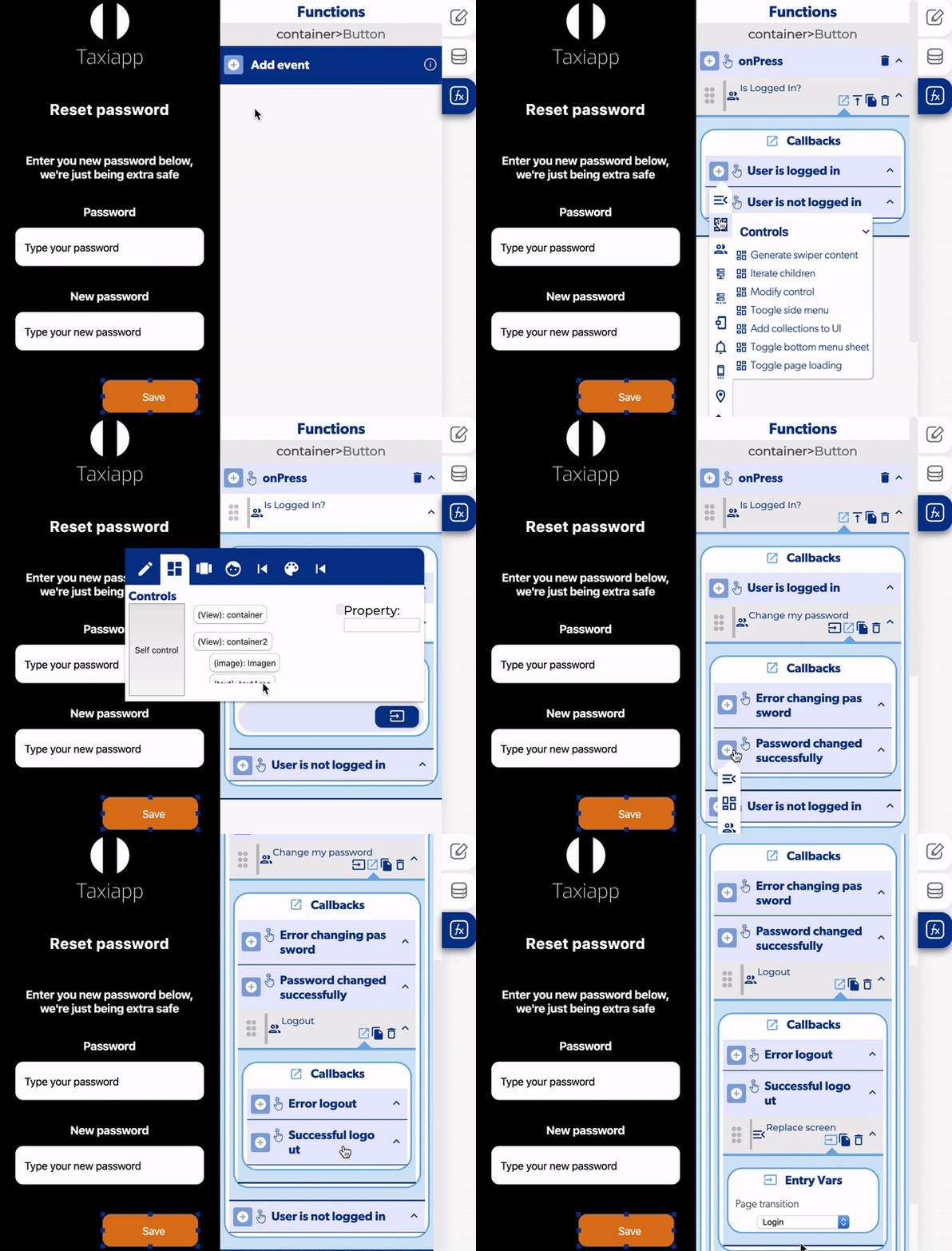
User is logged in and change password
- Select the button
- Add a is logged in? function to verify if the user is logged
- Open the callbacks to add a change password in the user is logged in.
- Select the element for the user to fill with the new password.
- Open the callbacks on the password changed successfully and add a logout.
- Add a replace screen in the successful logout.